Close
Twitter
Instagram
Linkedin
YouTube
>>> Create Accessibility
Design for Everyone
CC in YouTube
Website
Presentations
About
Day 19: Add Alt Text to Google Sites
Read more »
Day 18: Creating Accessible Hyperlinks
Read more »
Day 17: Color Contrast: Tale of Two Signs
Read more »
Day 16: Headings and Other Fomatting Features
Read more »
Day 15: Fonts
Read more »
Week 2 Reflection: There is No Pixie Dust
Read more »
Turbonote: View YouTube Video & Transcript Side-by-Side
Read more »
Day 12: Create a "video playlist" in Google Slides
Read more »
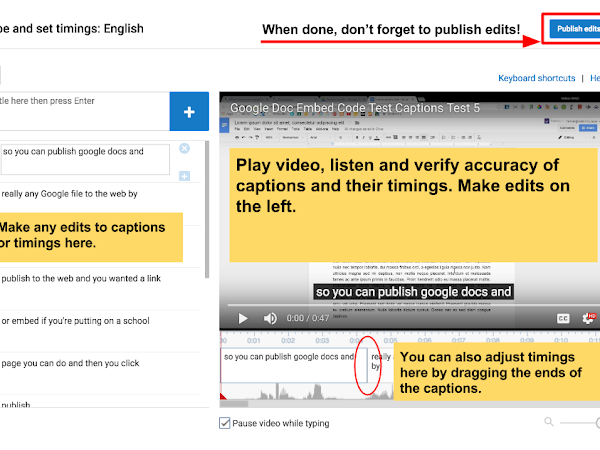
Day 11: Edit existing Captions in YouTube
Read more »
Day 10: Voice Typing, Google Slides, Transcripts, & Captions!
Read more »
Day 9: Using Caption Creator for Google Drive
Read more »
Day 8: Transcribe & Autosync Captioning on YouTube
Read more »
Day 7: Week 1 Reflection
Read more »
Day 6: Open Captioning on YouTube
Read more »
Day 5: Apple Clips with Live Titles
Read more »
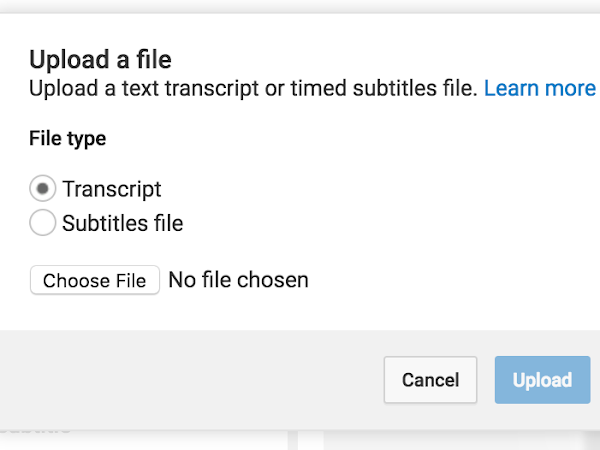
Day 4: Caption Google Drive by Uploading a Transcript
Read more »
Day 3: Caption a YT Video by uploading a transcript
Read more »
Day 2: Create a CC YouTube Playlist
Read more »
Day 1: Find and Display Closed Captioned Content
Read more »
Newer Posts
Older Posts
Subscribe to:
Posts (Atom)








 Special Education Teacher, Advocate, Google for EDU Innovator & Trainer, Artist
